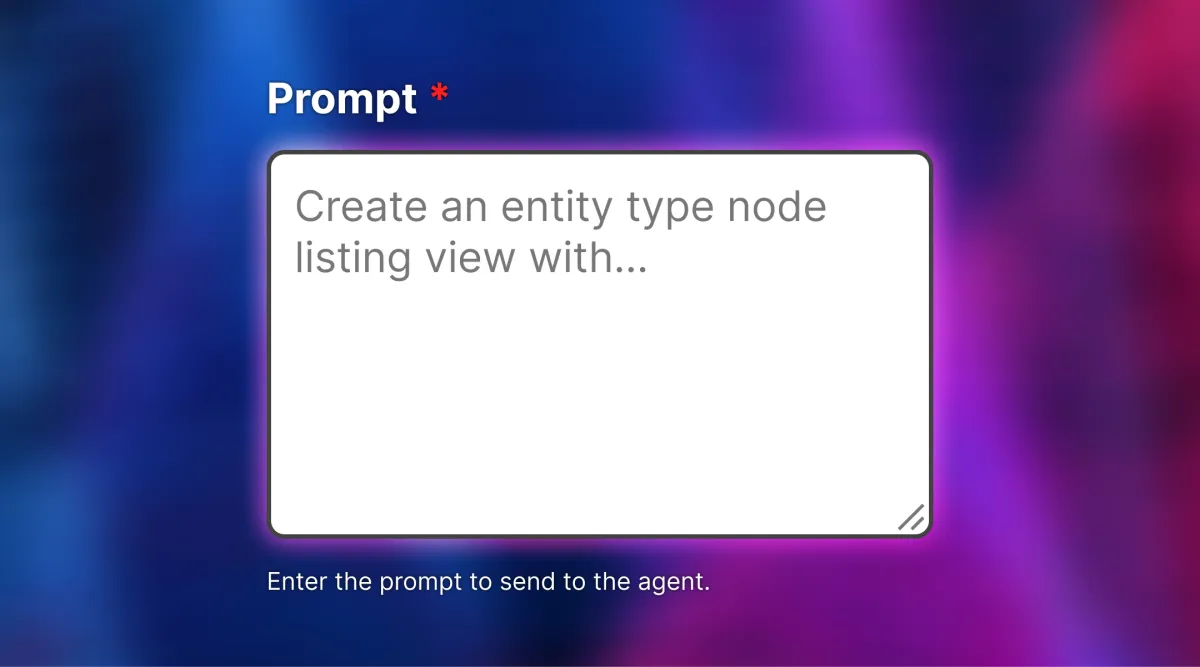
For the last few months, I have been working on a Drupal Views AI agent. The idea is to use the Drupal AI agent module to create and update Views on a Drupal website, so that sitebuilders can write prompts like these to create and update Views on the site without ever going to Views_UI.
Prompt to create a View
For the Views Agent to work, the site builder using the agent needs to have Views_UI enabled with ‘administer views’ permissions. This means the LLM can see and update all the enabled views and their detailed configuration.
Views data API . If you are not familiar with the Views data API, it is a large key-value array containing all the information about fields, filters, and sorting criteria that can be used in Views, which is provided by the Drupal entities on the site.
You can follow along with the development progress and also review and test the MR.The good thing about the views config entity is that, once you set the values, the config schema API in Drupal core ensures the View configuration is validated. So it was impossible to save an insecure or wrong configuration using the entity API, which is a good thing. This is an experimental feature at this point, so please don’t use this in a production environment.Each Handler type has default settings that are similar across Handler types, but each Handler also has its own unique settings. After working on the field type Handlers, I developed a generic approach. I created a plugin to add the Handler and a second plugin to update the Handler settings. Once the Handlers are added to the Views config entity. You can use the views internal API to set up the default values. Since there were default values, you can easily update the handlers’ settings.
Disclaimers
Create an entity type node listing view with the default display, title field with label Title, sort in descending order by created date, filter by published status 1, and filter by type article. Grant ‘access content’ permission. Create a page display with URL ‘content-listing’.The next challenging thing was the Views plug-in settings. Views plugins don’t have a very defined structure. They don’t have similar defaults. They are all unique, so making a generic function call plugin for views plugins was very challenging. Some View plugin configurations are string values, others are key-value pairs, and others are conditional key-value pairs. To address these issues, I created a plugin to create Views plugins; their configuration is stored under the display options setting in Views, and a second plugin to update the configuration of these Views Plugins. This is where I spent the most time figuring out all the different settings and configurations for the Views plugins.