Pin your versions, read the release notes, and budget a little time per upgrade. In exchange, you get a subsystem that improves month by month.
The goal
We want a chatbot that answers questions using only the site’s own published content. Not the model’s general training knowledge, not the open internet, just the knowledge base we control. That constraint is what makes the pattern safe for government sites: the model is a language engine, and the facts come from content that has already been through your publishing workflow.Test the RAG tool in isolation. When answers look wrong, the first question is whether retrieval or generation is at fault. The Tools Explorer lets us run the RAG/Vector Search tool directly against the index with a query, a result count, and a minimum score, with no LLM involved:
- A knowledge base: site content converted to embeddings and stored in a vector database, in our case PostgreSQL with pgvector.
- A fully configured Drupal AI module with a provider offering chat, embedding, and vector database capabilities.
- The AI Search submodule, which provides the RAG tool, a Search API backend, and processor plugins.
- The AI Assistant API submodule is used to create a search assistant with a grounded prompt and the RAG action enabled.
- The AI Chatbot submodule, which provides the Deep Chat block wired to that assistant.
- Optionally, AI Agents, the Agents Explorer, and the AI API Explorer for troubleshooting.
Where to start: choosing a provider
Under the hood, this is retrieval-augmented generation (RAG), and it is a few systems working together:Render Markdown with league/commonmark. LLMs speak Markdown, and our assistant prompt leans into that with bold key terms, bullet lists, and link-formatted follow-up questions. Since the module now ships league/commonmark as a dependency, use it to render assistant output into the chat interface rather than writing your own regex-based formatter. It handles streaming-friendly partial rendering, link formatting for the citation section, and it is the same parser the module itself is standardizing on.#3585075, #3585077), which cleans up how the chatbot processes assistant responses.
The provider decision comes first because it determines where your data goes. A RAG setup sends data to the provider twice: content chunks go out for embedding at index time, and user questions (plus retrieved chunks) go out at query time.
Tips and tricks
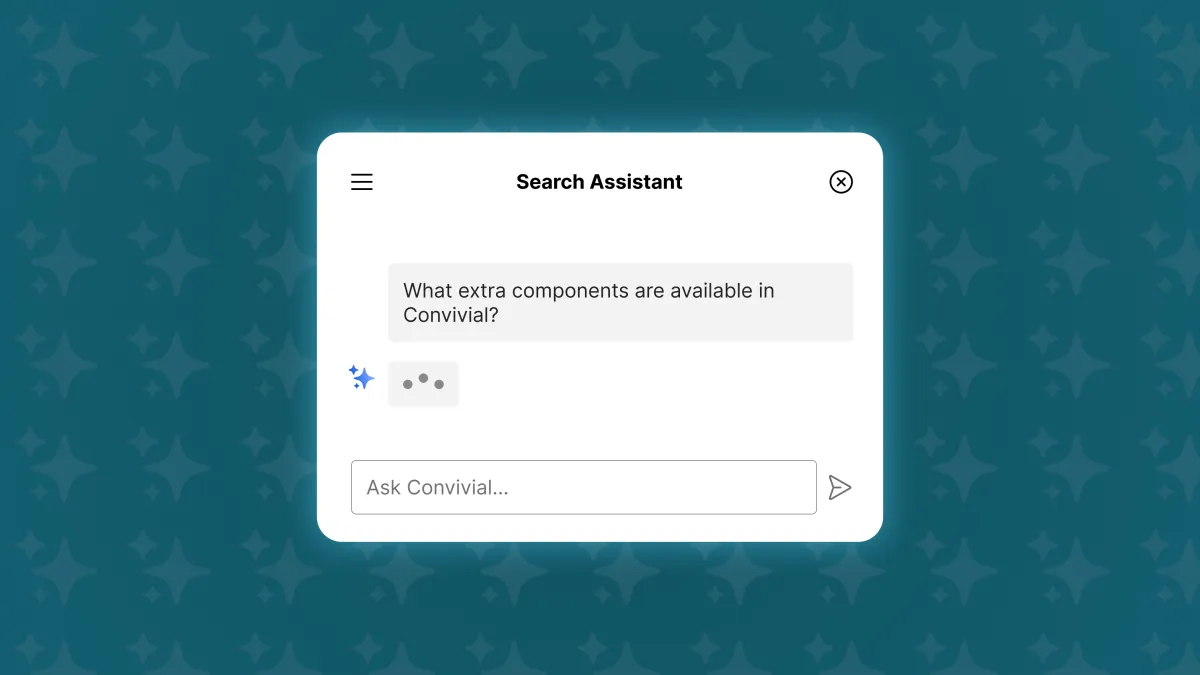
A semantic search chatbot is a data pipeline as much as a feature. Published content flows out to an embedding model and into a vector database; user questions flow out to a chat model along with retrieved chunks. Before launch, map that flow end to end: what is indexed (published, public content only), where embeddings and chat logs are stored and for how long, and what happens when a user pastes something they should not have. Public data going to an LLM is a reasonable trade. Data users should never have provided is not, which is why the chatbot, the index, and the guardrails need to be designed together, with storage and anonymisation decided up front rather than after the first incident.Site search is often the weakest part of a government website. Keyword search assumes visitors already know the right terminology, and they frequently do not. A semantic search chatbot flips this around: visitors ask questions in plain language, the site finds content by meaning rather than keywords, and an LLM writes a grounded answer with links back to the source pages.Convivial for GovCMS AI Edition builds, this entire stack ships preconfigured: the provider wiring, the Content index with sensible field settings, the search assistant with a grounded prompt, and the chatbot block placed and restricted. Importantly, it sits behind the same global guardrails we described in our introduction to Guardrails, so PII checks run on every chat message before it reaches the provider, with no opt-in required from the chatbot itself.
In closing
We use amazee.io’s AI provider because it covers all three required capabilities in one place: chat models, an embedding model, and a hosted vector database backed by PostgreSQL. One provider, one contract, one data processing story to explain to a client. The AI Settings page shows the result, with every chat capability and the embedding and vector database capabilities mapped to the one provider: